Buyer information, not installation instructions. Requirements depend on the adopted local code and exact product. Electrical work and site diagnosis should be performed by qualified professionals.
A hotel bedside, an office desk and a kitchen counter may all need white outlets, but they rarely need the same order line. The bedside may call for USB charging; the desk needs capacity for specific equipment; the kitchen brings location and protection requirements into the selection. Ordering by room count and face color alone leaves those differences unresolved.
Start with the electrical schedule from the project team, then add a list of what people will plug in at each location. This guide turns those two inputs into a purchasing brief for homes, workplaces and guest rooms. Use the linked product guides when you are ready to compare individual models.
Build a room-by-room device schedule
Give each location an identifier, such as Bedroom B-02 or Meeting Room M-01. Record the intended equipment, required electrical configuration, charging needs and finish on the same line. A room name provides context; the project specification determines the device requirements.
| Location | Start with this question | Product family to review | Detail to settle before ordering |
|---|---|---|---|
| Kitchen or utility area | What equipment is served, and what protection does the project require? | GFCI outlets | Required circuit protection, face rating and any TR / WR features |
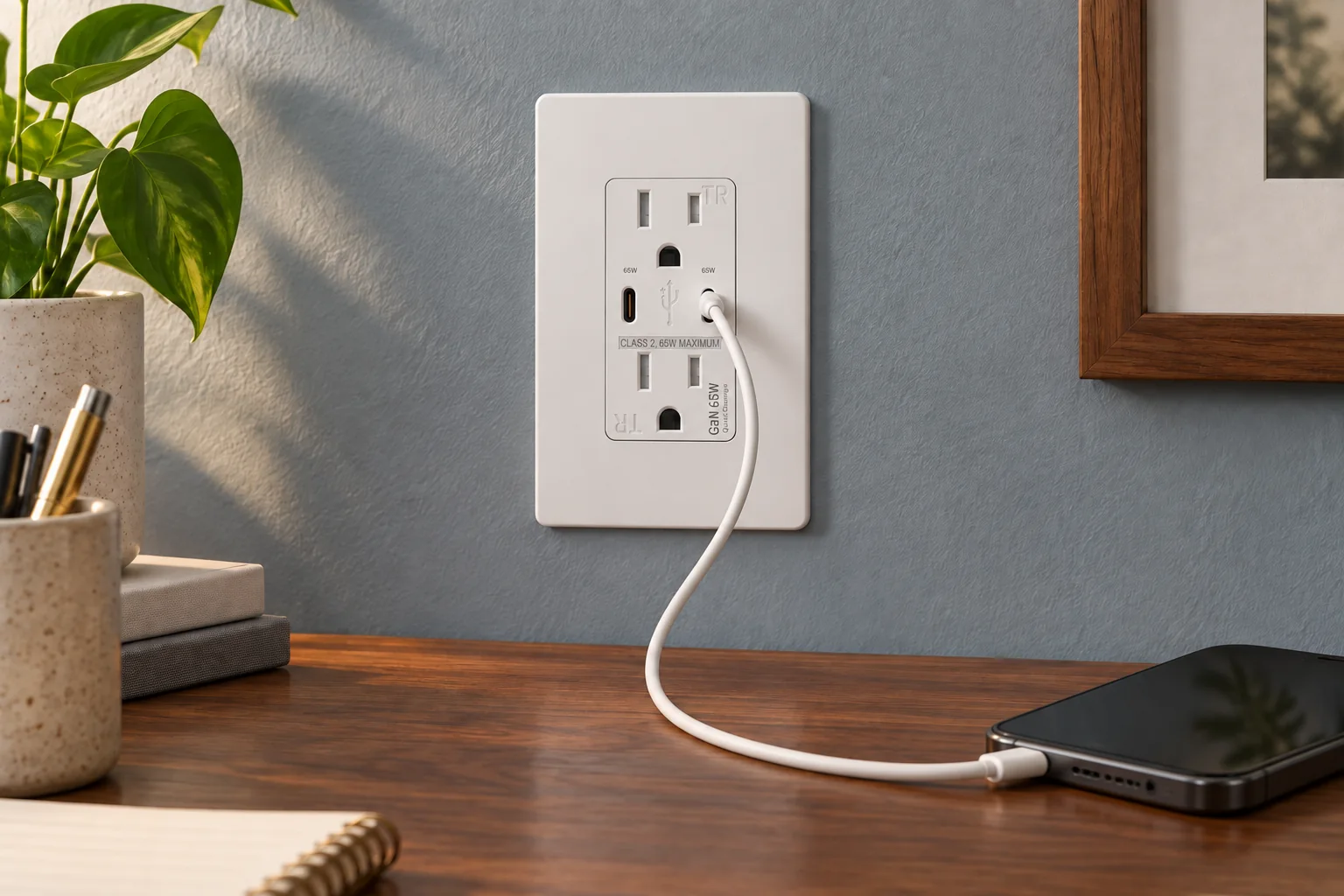
| Bedroom or guest-room bedside | Which devices need charging, and how many will connect at once? | USB outlets | Port mix, charging profiles and simultaneous-port output |
| Office desk or meeting space | Which loads need AC power, and which can use USB? | Standard receptacles | Current, voltage, plug configuration and terminal type |
| A room with several device types | Will the receptacles and controls share a consistent finish? | Wallplates | Opening, gang count, dimensions, finish and pack contents |
Keep protection and charging on separate lines
GFCI protection addresses electric-shock hazards associated with ground faults. ESFI explains its role where electrical products may encounter water. Ask the qualified project team to specify the required protection for each location and the way it will be provided. [Source]
USB describes a charging function. Choosing a USB outlet does not resolve the separate GFCI, tamper-resistant or weather-resistant requirements. Likewise, a GFCI designation does not establish USB charging capability. Keep these fields separate in the schedule so that a request for convenient charging cannot silently replace a required protection feature.Compare GFCI and AFCI functionsReview TR, WR and receptacle ratings
Bedrooms and guest rooms: specify the charging job
List the expected devices and cable ends before choosing ports. For a mixed USB-A and USB-C requirement, FAHINT FTR15C-3100 is a non-PD example with 5V, 3.1A combined USB output. For a dual USB-C PD requirement, FTR15QC-DC20W is a different configuration with a published single-port maximum of 20W. These are choices to compare against the brief, not a promise that every connected device receives the maximum output.FTR15C-3100 model detailsFTR15QC-DC20W model details
If two guests may charge at once, put that use case in the sample brief. Test the intended devices and cables together and record the result. A single-port rating does not establish two-port power sharing. The same approach applies to a household bedside used for a phone and a second device.Compare USB configurations and PD profiles
Desks and shared workspaces: list what plugs in
A useful desk inventory distinguishes the monitor, laptop power supply, task light and phone charger. Keep AC-powered equipment in the AC requirement even when the desk also has a USB-C port. Confirm the laptop manufacturer’s power requirements before treating an integrated USB outlet as a replacement for its power supply.
For shared desks or meeting rooms, record whether users bring their own cables and devices. Give the project team the furniture layout and intended connection points so they can resolve access and electrical design. Buyers can then order against approved location identifiers instead of trying to infer the circuit or quantity from an interior photograph.
Coordinate switches and wallplates across the room
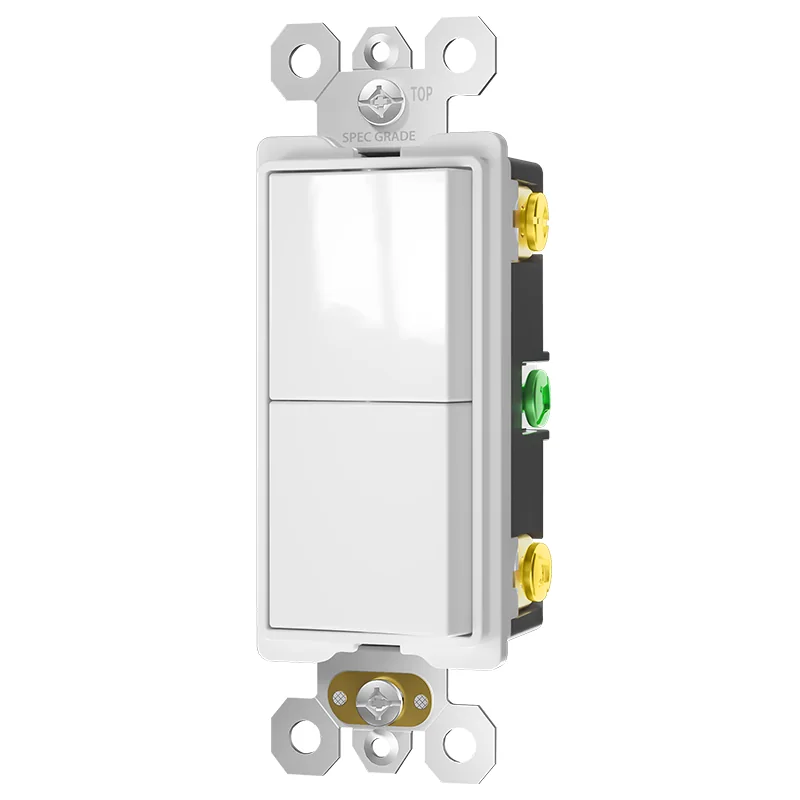
Check the complete device set together: receptacles, charging outlets, lighting controls and wallplates. A matching color name does not establish a matching opening, gloss level or mounting arrangement. Record the wallplate model alongside each device, and specify whether the plate is included in the pack or supplied separately.Check wallplate openings and finishes
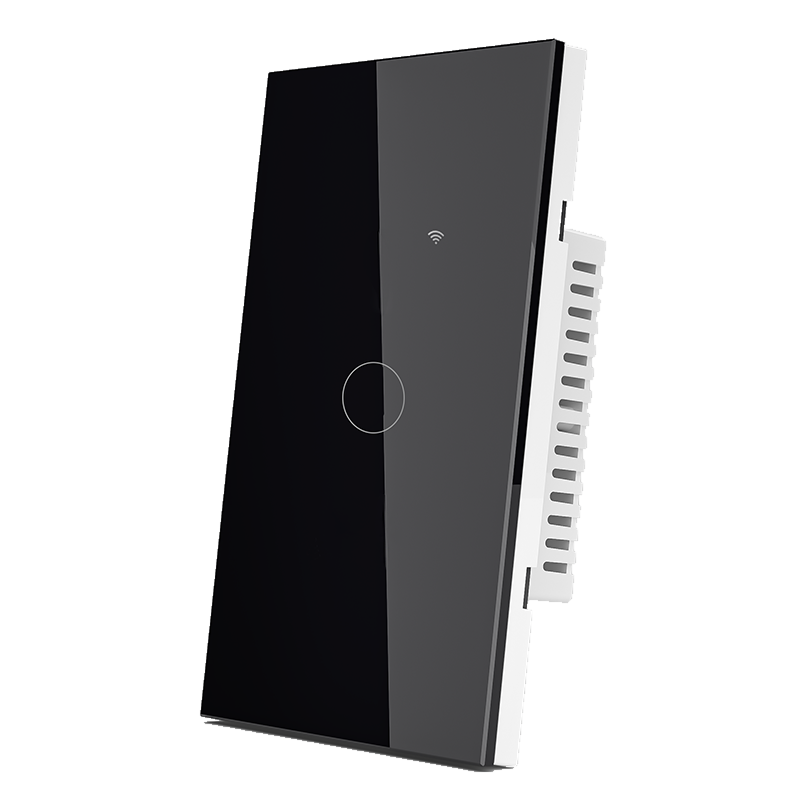
For connected lighting, add the intended control system and wiring version to the room schedule. This matters in a guest room where a wall control also needs to fit an operating and maintenance plan. Touch-only, Wi-Fi and Zigbee configurations have different selection questions.Read the smart switch buying guide
Approve one complete sample room
Before repeating a room package across a project, approve its individual devices and the assembled combinations. Compare finishes under the intended lighting, check device and plate fit, and have the qualified team verify the electrical and functional choices. Keep the charging test results with the sample record.
Record the full model numbers and document revisions against the location identifiers. If a substitute is proposed later, review the affected rating, wiring, function and finish fields again. A similar front face should not bypass the approval record.
Turn the schedule into a quotation request
- Project destination, room types and approved location identifiers.
- Complete model number and quantity per location, with the required electrical ratings and protection features.
- Charging devices, port mix, cable requirements and simultaneous-use cases to evaluate.
- Control function, wiring version and connected system where smart controls are included.
- Device finish, matching wallplate, pack contents and approved sample references.
- Required model documents, spare-unit quantities, packaging requirements and requested delivery date.
Send the schedule with your inquiry and identify any selections still awaiting project approval. FAHINT can review the model combinations, sample requirements and packaging scope, then confirm availability, minimum quantities and timing for the actual order.Discuss your room schedule
Sources & further reading
Reviewing a specific model?
Send the model and the question you want to resolve. We will help locate the relevant product information.
Ask a product question