Buyer information, not installation instructions. Requirements depend on the adopted local code and exact product. Electrical work and site diagnosis should be performed by qualified professionals.
Yes, a USB-C wall outlet can charge a laptop when the laptop accepts USB-C charging and the outlet and cable meet its requirements. Some manufacturers, including Legrand, offer wall outlets for this use. That is a useful starting point, but it is not a compatibility result for a different outlet or computer. [Source]
For an office desk, write down the laptop model before choosing the outlet. “USB-C laptop” is too broad to be a purchasing specification. The same question comes up in guest rooms, where the property may want a convenient charging point without promising that it replaces every guest’s power adapter.
Start with the laptop’s recommended charging power
Check the computer manufacturer’s charging guidance and the rating of the recommended adapter. Apple, for example, specifies USB Power Delivery for USB-C charging and recommends a source that meets at least the minimum wattage for the Mac model. Its recommendations differ by computer. [Source]
A connected computer can show a charging symbol and still charge more slowly than expected. Apple documents a slow-charger warning when the available power is too low for the model. Use the actual laptop and its intended workload when assessing a sample, rather than recording only whether the battery icon changes. [Source]
Read the voltage and current profiles behind “65W”
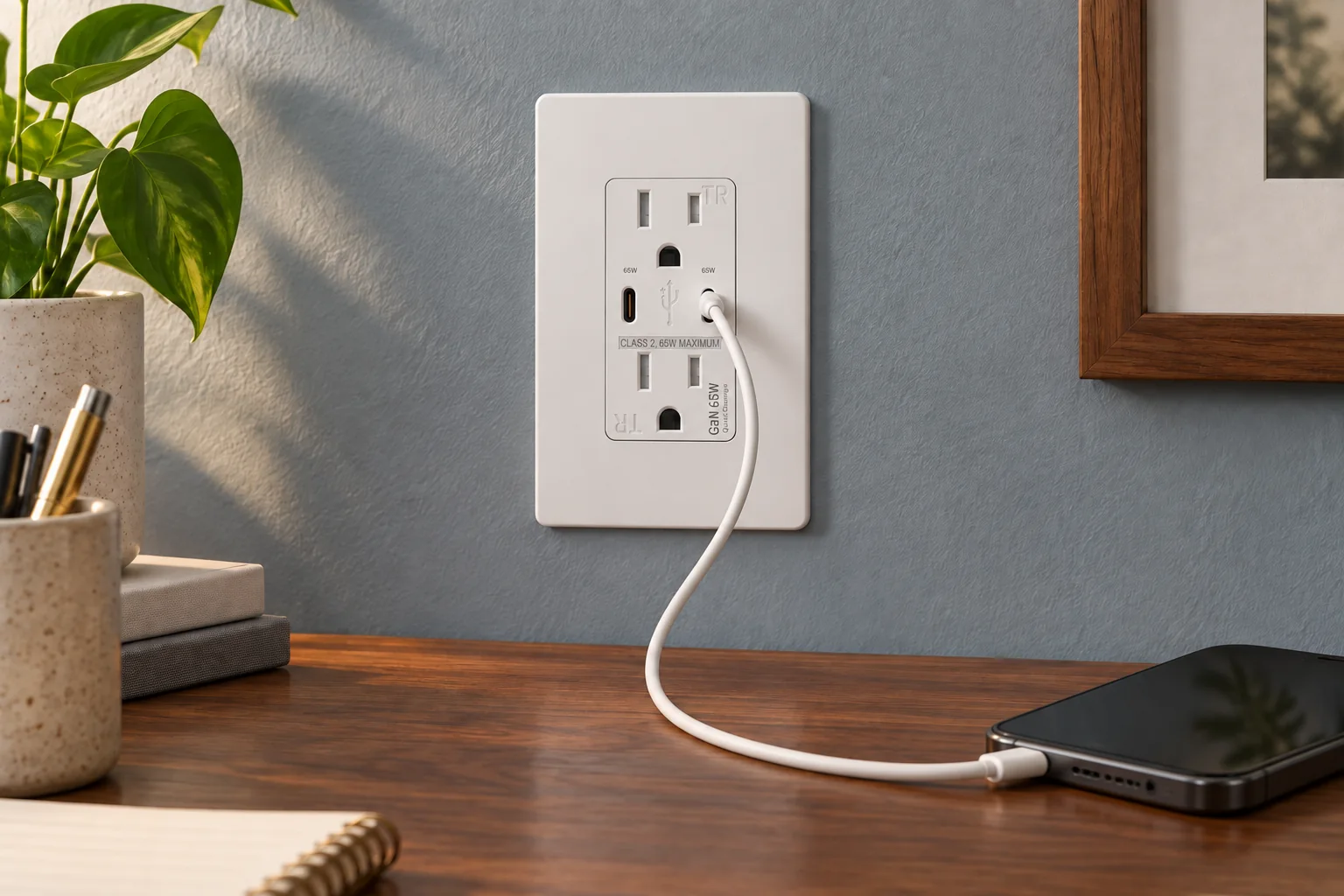
The published FTR15QC-DC65W record lists the following USB-C output profiles. The largest is 20V at 3.25A, which gives 65W. These are available output profiles, not a statement that every connected device draws 65W. [Source]
| Voltage | Current | Calculated power |
|---|---|---|
| 5V | 3A | 15W |
| 9V | 3A | 27W |
| 12V | 3A | 36W |
| 15V | 3A | 45W |
| 20V | 3.25A | 65W |
Compare that list with the computer’s accepted charging input and use a cable rated for the required power. The outlet’s 15A, 125V receptacle rating is a separate AC specification. It does not describe the power available from its USB ports.
What changes when someone plugs in a phone?
FTR15QC-DC65W has two USB-C ports. Its listed figures are single-port maximums; they do not establish a combined 130W output. The current catalog does not give a complete simultaneous-use power allocation table. Ask for that table before approving laptop-and-phone charging as a project requirement.
Make the sample check match the desk. First record the laptop charging on its own. Then connect the phone to the second port and record the laptop’s reported charging status and any interruption. Keep the cable model, computer model and battery state with the result so the supplier can reproduce the conditions. This is a proposed acceptance check, not a test result for the FAHINT model.
Specify a useful charging point without overpromising
For a managed office, you can name the exact computers the outlet must support. For a hotel, decide whether the brief is phone charging, occasional laptop charging or a verified replacement for a particular adapter. Those are different acceptance requirements, even if the front of the outlet looks the same.
A useful inquiry would be: “Please review FTR15QC-DC65W for this laptop model and cable. We need the available power with the laptop alone and with a phone on the second port.” Attach the laptop’s charging specification. This gives us something concrete to check before the sample order.View FTR15QC-DC65WCompare USB outlet configurations
Sources & further reading
Reviewing a specific model?
Send the model and the question you want to resolve. We will help locate the relevant product information.
Ask a product question