Buyer information, not installation instructions. Requirements depend on the adopted local code and exact product. Electrical work and site diagnosis should be performed by qualified professionals.
Back wire and push-in can describe different terminal mechanisms, even though both accept a conductor from the rear of the device. With a screw-clamp back-wire terminal, tightening the screw secures the conductor under a clamp. A push-in terminal holds the conductor through its internal spring mechanism. Check the exact terminal description instead of treating the rear hole as the specification. [Source]
This distinction matters when ordering R15 and R15Q. FAHINT’s source library uses the same front-face presentation for the two models, but the catalog lists different wiring versions. A purchasing comparison based on that photograph would miss the difference.
Three terms you will see in a catalog
| Term | What it describes | What the name leaves open |
|---|---|---|
| Screw-clamp back wire | A rear-entry conductor secured by a screw-operated clamp | Permitted conductor sizes and types, strip length and torque |
| Push-in / quick wire | A push-in conductor connection retained by the terminal mechanism | The exact conductor limits for that push-in terminal |
| Side wire | A conductor connection at a side screw terminal | The approved conductor and tightening requirements |
Leviton uses Quickwire for its push-in method and also refers to it as backstab. That brand terminology helps explain why a request for “back wiring” can be misunderstood. For a FAHINT order, use the catalog wording and full model number. [Source]
R15 and R15Q share a rating, not a terminal specification
Both R15 and R15Q are listed as 15A, 125V standard duplex receptacles. R15 has side/back wiring. R15Q has side/push-in quick wiring. The Q therefore identifies a purchasing difference that should stay on the order line, sample label and packing specification. [Source]
The published push-in limit for the 15A version is #14 AWG only. It is a limit for that terminal, not a general rule for every side or back terminal in the series. Do not use it to approve a different conductor material or a stranded conductor; those details need the exact model instructions. [Source]
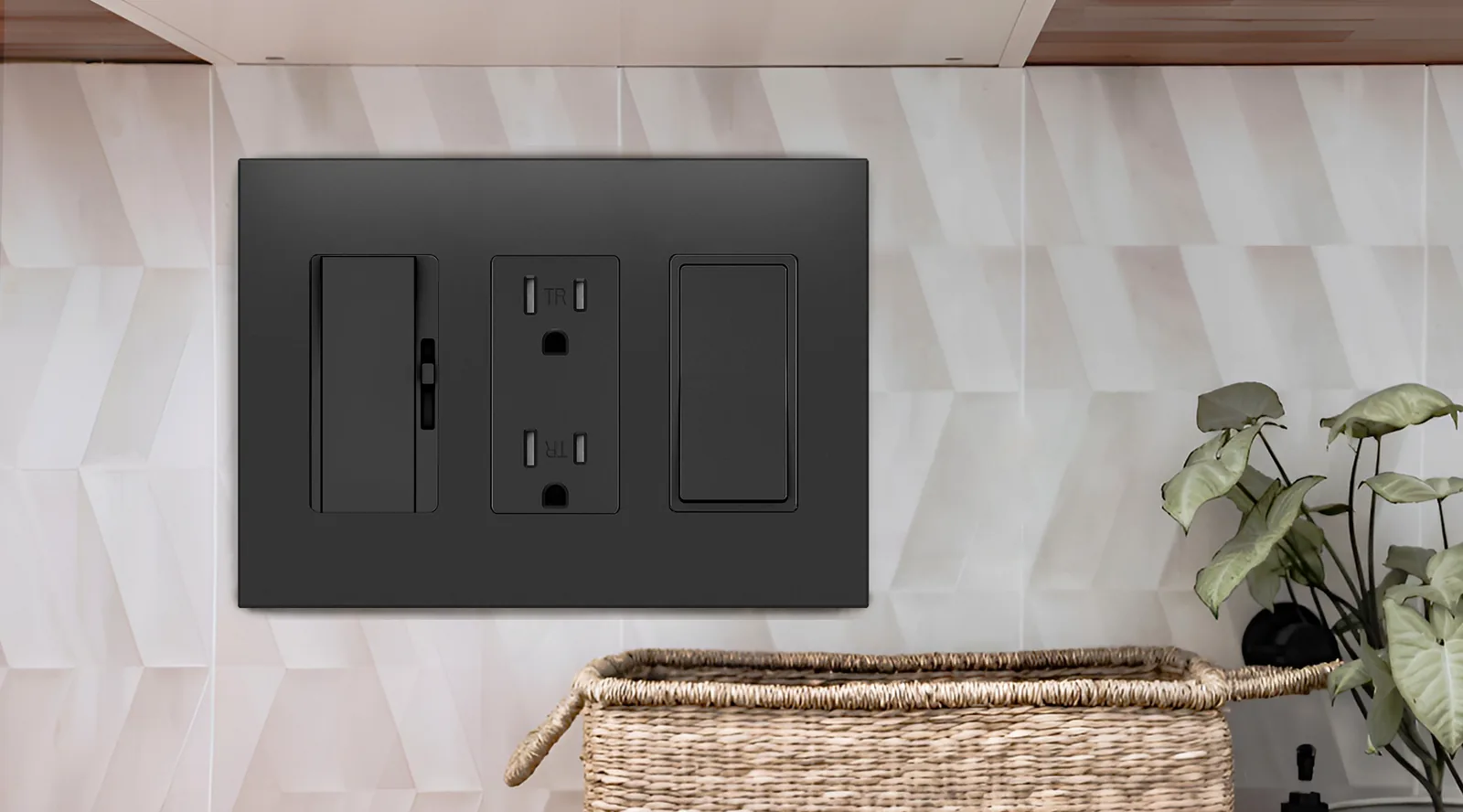
D15Q is a decorator-format example with the same published #14 AWG push-in limit. Its face requires a different wallplate opening from the duplex R15Q. Keep the front configuration and terminal configuration as two separate fields in a comparison.
Ask for a rear view with the sample
If two quotations use similar front images, ask each supplier to identify the rear and side terminals on the quoted sample. Include the model marking in the photograph. This is useful evidence for purchasing; it does not replace the installer’s review of the approved instructions.
Your technical team can then check the required conductor size and type against that version. Record any mismatch before approval. Do not resolve it by dropping the model suffix or accepting a claim that all 15A receptacles use the same terminals.
Keep the wiring version visible in the specification
A clear line would read “R15Q, 15A 125V, duplex, side/push-in quick wire,” followed by finish and quantity. If the project calls for back-wire clamps, review R15 instead and confirm its instructions. The broader guide covers the other decisions, including tamper resistance and matching wallplates.Compare R15Compare R15QStandard receptacle buying guide
Sources & further reading
Reviewing a specific model?
Send the model and the question you want to resolve. We will help locate the relevant product information.
Ask a product question