Buyer information, not installation instructions. Requirements depend on the adopted local code and exact product. Electrical work and site diagnosis should be performed by qualified professionals.
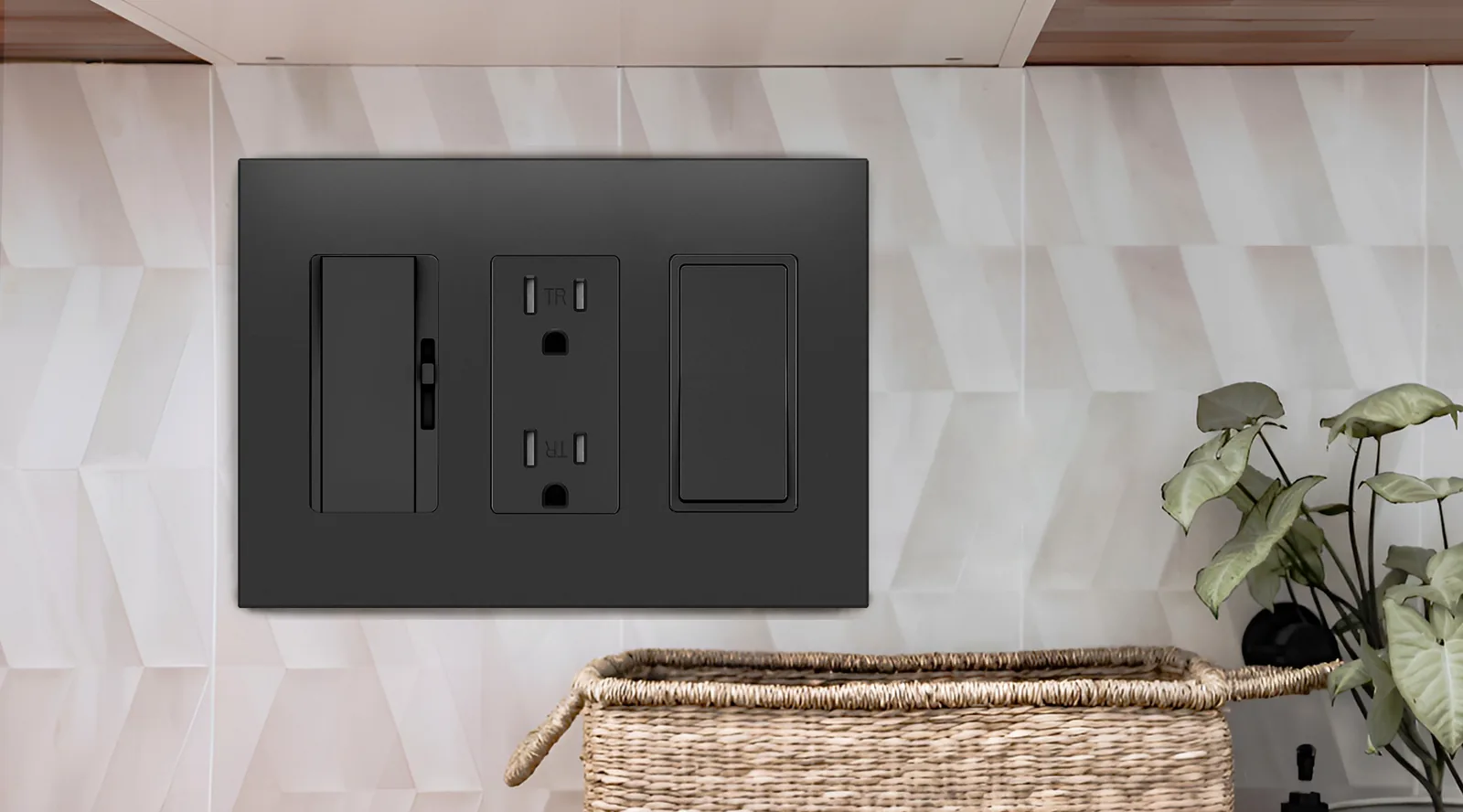
A blank-face GFCI provides ground-fault protection without a place to insert a plug. Its front has TEST and RESET buttons. You may also see it called a faceless or dead-front GFCI. The protected equipment is connected elsewhere in the circuit, as specified in the device instructions. [Source]
That explains the unusual appearance of FAHINT GL20. It belongs in a specification that calls for a separate protective device. If the drawing calls for a plug-in outlet at that location, a blank-face model will leave that requirement unmet.
Why separate protection from the plug-in point?
A project may need the protection and its test/reset controls in one place, with the equipment or outlet it protects elsewhere. Leviton describes downstream protection as a use for this device format. “Downstream” means electrically connected through the protective device; it does not mean every outlet farther along the wall. [Source]
For a buyer, the useful document is a marked-up device schedule from the project electrician. It should identify which load the GFCI protects and where someone will reach the controls. A room name alone, such as “utility room,” leaves both questions open. Have the project team approve the arrangement and access before placing the order.
A blank face, a blank wallplate and a receptacle are different items
| Item | What is on the front | What to specify |
|---|---|---|
| Blank-face GFCI | TEST / RESET controls, no plug sockets | The protective device and intended load |
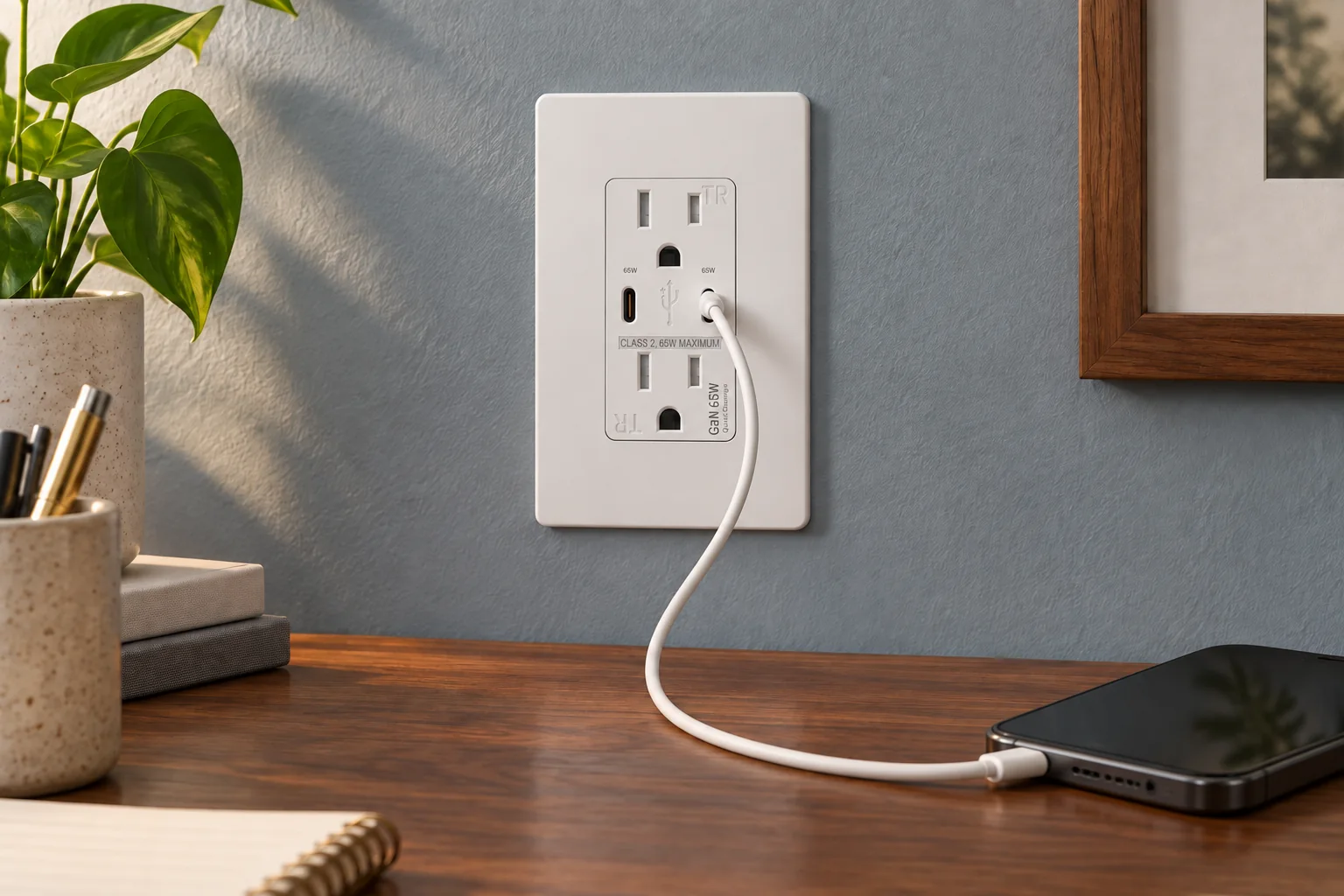
| GFCI receptacle | Plug sockets and TEST / RESET controls | The receptacle rating and required protection features |
| Blank wallplate | A plain cover | The plate dimensions and mounting arrangement; it provides no GFCI function |
Keep those descriptions separate in a bill of materials. “Blank GFCI plate” is ambiguous: the supplier could read it as a cover, an accessory or a complete device. Use the model number and state whether the wallplate is included in the required pack.
What the GL20 record tells you
GL20 is listed in FAHINT’s product record as a 20A, 125V blank-face self-test GFCI with side and back wiring. The record identifies indoor use and does not list weather resistance. Its current rating and appearance do not establish suitability for every appliance or outdoor application. [Source]
GL20’s exact-model certification documentation remains under review in our library. Request that record for your project; a certificate covering a different GFCI model is not evidence that GL20 is included. The model page also needs to be read alongside the approved installation instructions, particularly when the drawing calls for a specific load arrangement.
What to put on the order line
Start with “GL20, 20A, 125V, blank-face GFCI,” then add the finish, wallplate configuration and quantity. Attach the project’s intended load and installation location for review. If a sample is required, ask for the same full model and pack configuration that will be supplied in production.
For a specification that needs plug sockets at the device, compare the receptacle models in the same family. The broader sourcing guide explains how to review their individual ratings and documentation.View GL20GFCI sourcing guide
Sources & further reading
Reviewing a specific model?
Send the model and the question you want to resolve. We will help locate the relevant product information.
Ask a product question