Buyer information, not installation instructions. Requirements depend on the adopted local code and exact product. Electrical work and site diagnosis should be performed by qualified professionals.
LED lights that flicker on a dimmer may be non-dimmable, incompatible with the control, or operating below their stable dimming range. Those are possible causes, not a diagnosis of the installation. Lutron’s support guidance distinguishes low-level flicker and dropout from other behavior and starts by checking the lamp. [Source]
The first useful detail is when it happens. “It flickers” gives a supplier very little to work with. “These four lamps flicker near the bottom of the slider, but stay steady at full brightness” gives the review a place to start. There is no need to open the wall box to make that observation.
Does the lamp or driver support this dimming method?
Find the lamp or fixture model in its paperwork and check for a dimmable designation. Then look for the control method the manufacturer specifies. A 0-10V driver needs a compatible control signal; a conventional line-voltage dimmer is a different choice. “LED compatible” on a dimmer does not establish compatibility with every LED product.
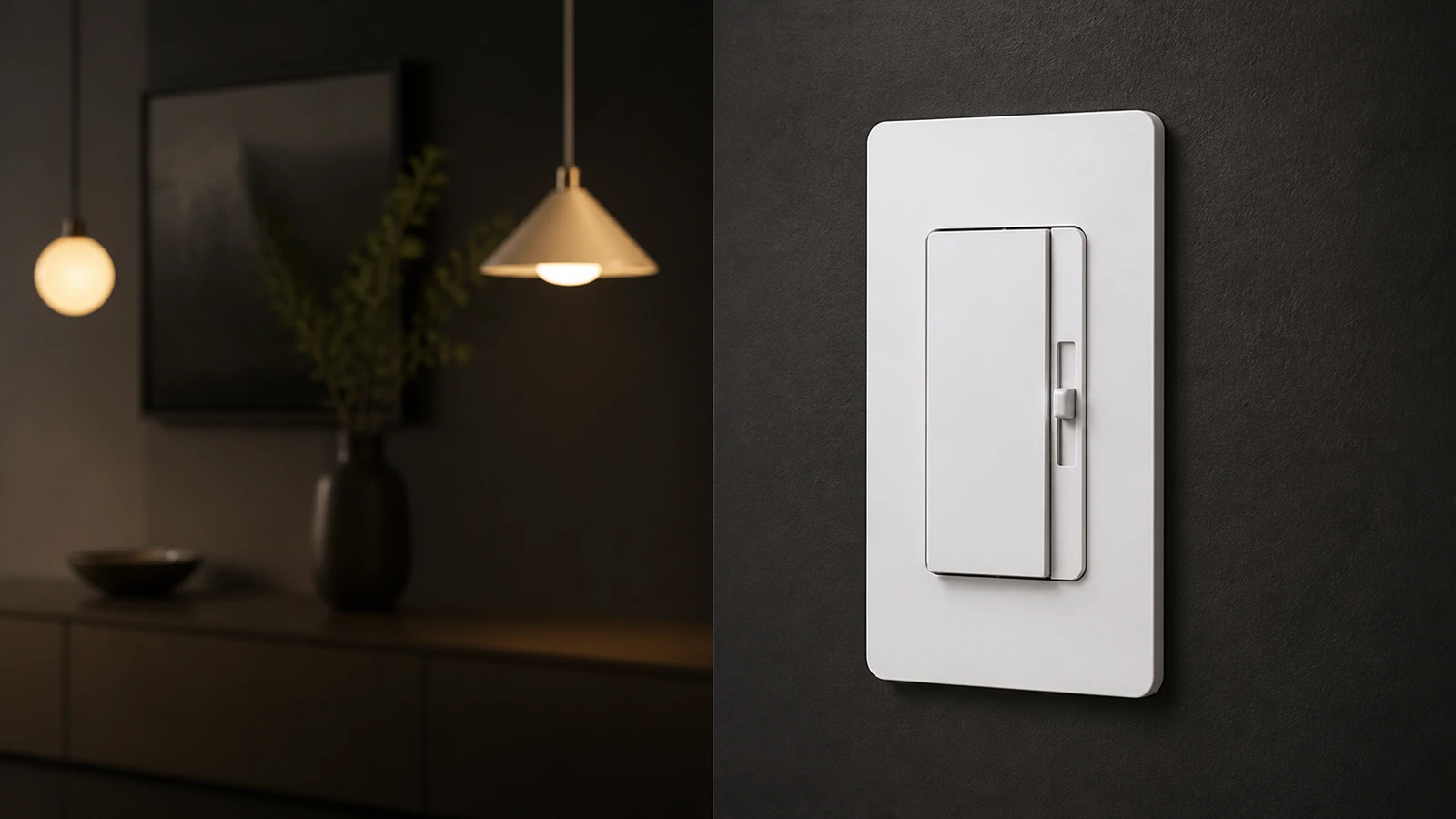
FAHINT DM2010 is listed for dimmable LED/CFL loads at 120V AC, 60Hz. DM2010S is the separate 0-10V model, with a 120/277V supply specification. Their similar paddle-and-slider appearance is not a reason to substitute one for the other. [Source]
Low-end flicker needs a closer look at the usable range
An LED may stop behaving steadily before the slider reaches its lowest position. Lutron explains that a low-end adjustment can help on its supported dimmers by keeping the output within the lamp’s usable range. That adjustment and its procedure are model-specific. Do not apply a Maestro button sequence to a FAHINT dimmer. [Source]
During sample approval, define the lowest brightness the room actually needs. Ask the supplier and lighting team to demonstrate stable operation at that level with the proposed lamps. If the combination cannot reach it, review the lamp/control pairing before ordering the full quantity. A catalog wattage range does not provide that demonstration.
Check the LED rating, even when the watts look low
DM2010’s published LED/CFL range is 5 to 200W. Its incandescent range is 20 to 600W. The 600W figure should not be used as the LED limit. [Source]
For example, four 10W dimmable LED lamps add up to 40W. That is within the stated LED wattage range, but the arithmetic alone cannot establish how that lamp model will dim. The installation also needs the applicable instructions, including any limits for the actual mounting arrangement. The catalog sheet does not provide a multi-gang derating schedule.
Send a short, reproducible description
- Dimmer model and the lamp or driver manufacturer and model.
- Lamp quantity, wattage per lamp and the specified dimming method.
- Whether the symptom occurs at startup, at low brightness or throughout the range.
- Whether every lamp behaves the same way, and whether anything was recently changed.
A short video can help show the sequence, but describe what you see in person as well. Have a qualified electrician assess wiring faults or abnormal operation. If there is heat damage, a burning smell or arcing, stop using the affected control and arrange inspection rather than continuing a dimming trial.
For a new project, keep the approved lamp model with the dimmer sample record. If the lamp changes later, repeat the compatibility review; the earlier sample result belongs to the combination that was actually evaluated.View DM2010Compare LED and 0-10V dimmers
Sources & further reading
Reviewing a specific model?
Send the model and the question you want to resolve. We will help locate the relevant product information.
Ask a product question